


MyAMP
Log in online to securely manage your AMP KiwiSaver Scheme, Managed Funds account, and more anytime, anywhere.
Get MyAMP now
Visit MyAMP Online:


Get the MyAMP Mobile app:


MyAMP features
See it all in one place
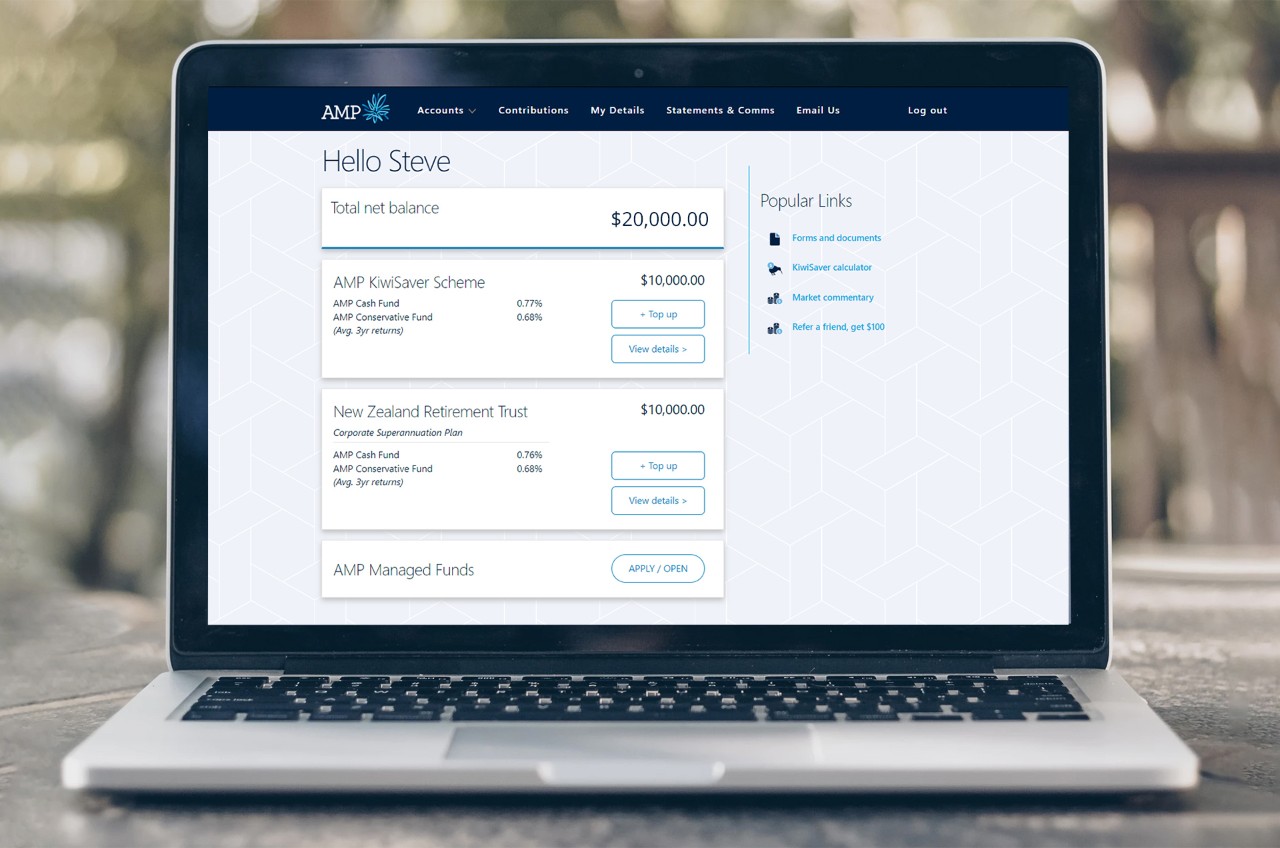
See your AMP KiwiSaver Scheme account and more all in one simple, and secure dashboard.
Check your performance
Easily check your balance and see how your investments are performing.
Manage your contributions
You can quickly set up one-off payments, or regular top ups to your investment.
Make easy changes
Update your funds, contribution rate, personal details or Prescribed Investor Rate (PIR) online.
About the portal
Log in to the secure online portal for access to all MyAMP features, including key functions like applying for a withdrawal.
Login online
About the app
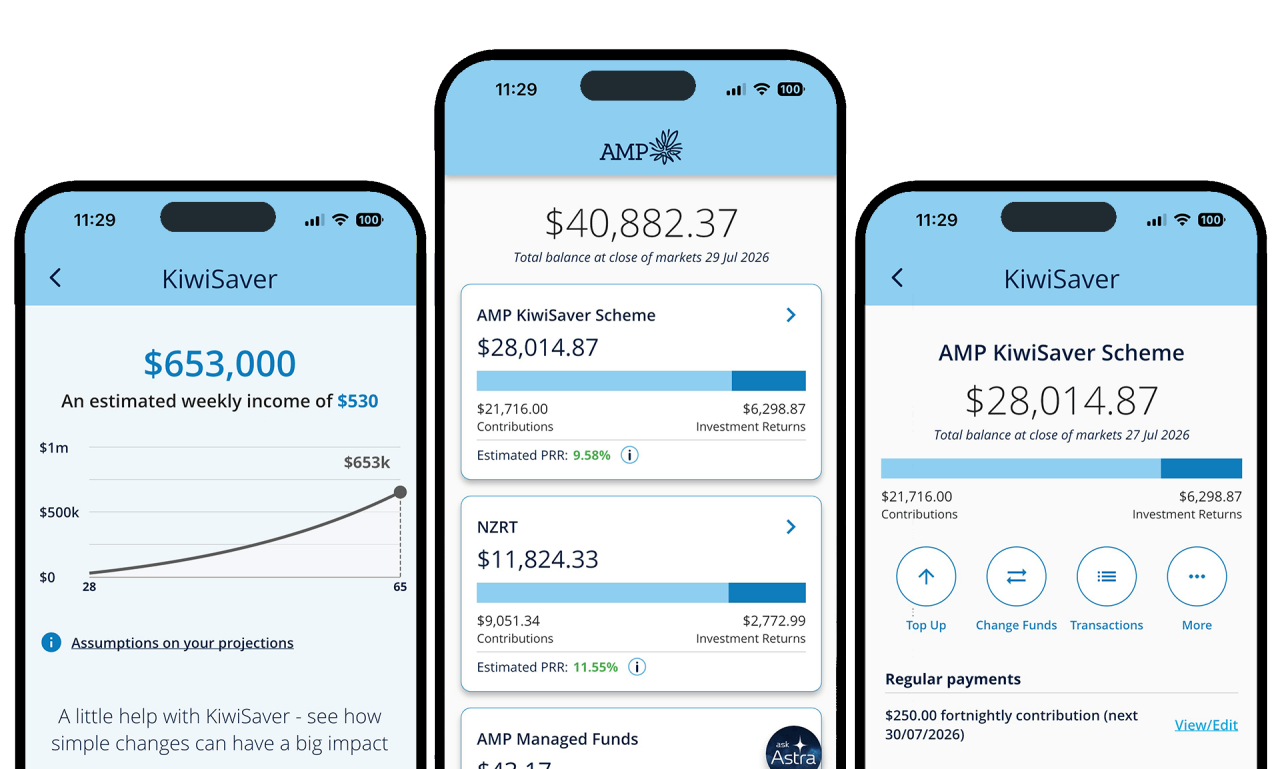
Manage it all on the go. Packed with great features, the MyAMP mobile app makes managing your savings easy.
Apple App store | Google Play store
Try projections feature in the app
See how your retirement nest egg might grow if you changed your fund type, retirement age, or level of regular contributions.
Frequently-asked questions
You can easily register for My AMP to start accessing your accounts. Get started.
You need to be registered with the new MyAMP portal to log into the MyAMP Online portal. If you've already done this, you can just login with your username and password. If you've forgotten your username or password, click on the links to reset them. If you haven't registered for the new portal it's a quick and easy process. Get started here.
If you have locked your account due to three incorrect password attempts, you can go to 'forgotten username' or 'forgotten password' pages to reset online on the login page. Alternatively you can call AMP on 0800 267 005 to unlock your account. Login here.
We will never email you a link to login to the MyAMP secure site or request your username or password via an email. You can access your accounts via amp.co.nz
To have the best and most secure experience when using MyAMP, we recommend you use one of the supported browsers below:
- Microsoft Edge® browser, latest version
- Mozilla® Firefox® browser, latest version
- Google Chrome browser, latest version
- Apple Safari browser, latest version
- iOS Safari, latest version
- Android™ devices: Google Chrome, latest version
To see a personalised projected balance in the KiwiSaver statement or MyAMP mobile app, a customer needs to meet the three following criteria:
• Be between 18 and 65 years old, and
• Have been an AMP KiwiSaver Scheme member or New Zealand Retirement Trust member for more than 12 months, and
• Have a projected balance that is more than $1000
You can delete your MyAMP account in the MyAMP app. In the top left you’ll see three stacked lines - the hamburger navigation. Select this and you’ll see “My Details” > Account management > Select the “Delete MyAMP account” button.
Unfortunately your Australian AMP products will not be available in MyAMP. Please login via amp.com.au to access your Australian AMP accounts. If you have forgotten your username or password, you can retrieve these via the login page.